
College and university students can now get Microsoft 365 Personal for $4.99/month.
Microsoft 365 for Mac
Do your best work with productivity apps in Microsoft 365—anywhere, anytime, with anyone.

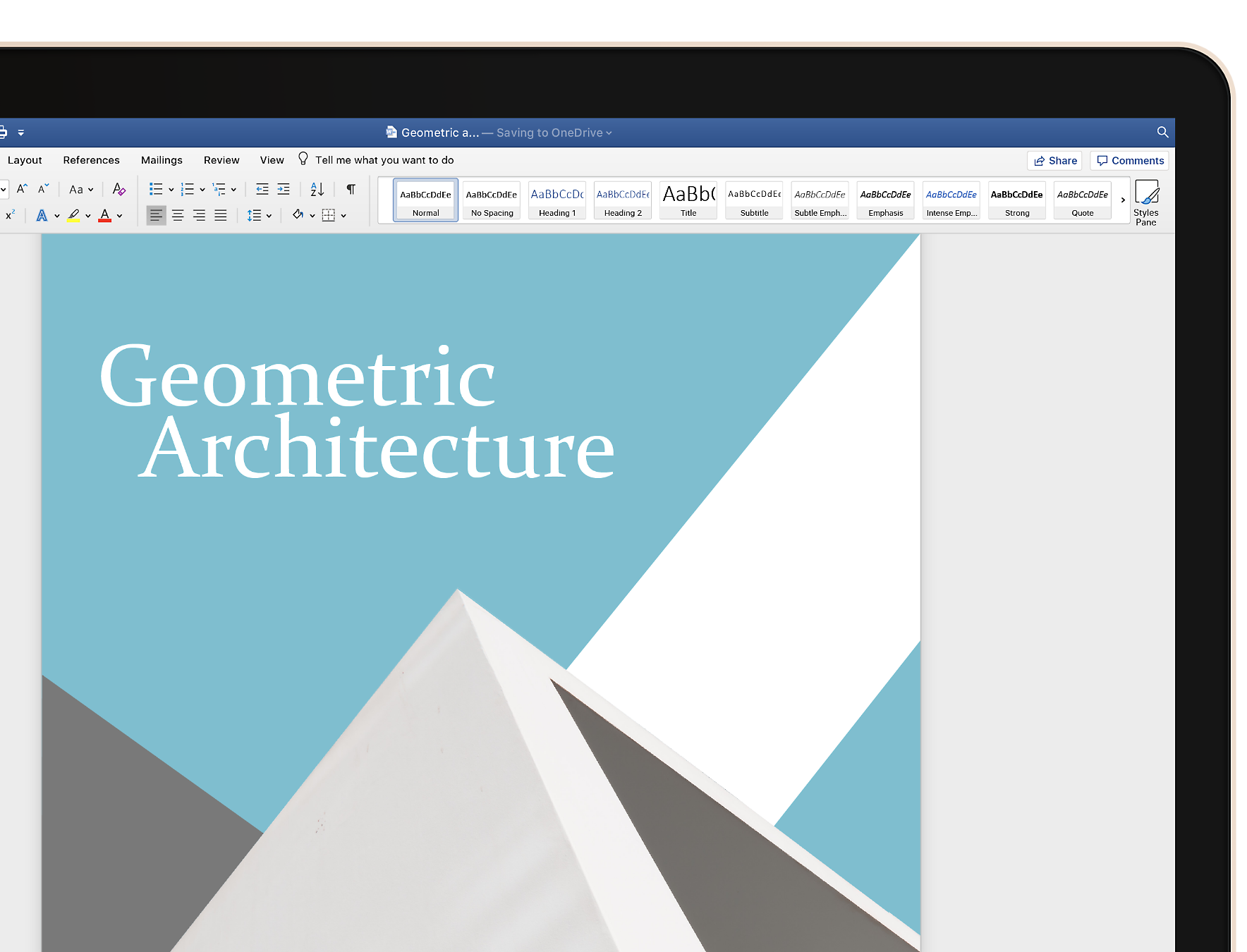
Get Microsoft 365 apps for Mac
Start quickly with the most recent versions of Word, Excel, PowerPoint, Outlook, OneNote, and OneDrive—combining the familiarity of Microsoft 365 and the unique Mac features you love.
Be more productive
Find the feature you need fast and create documents more easily with built-in automated design and research tools.


Collaborate with others
Work online or offline, on your own or with others in real time—whatever works for what you’re doing.
Have everything you need, everywhere you go
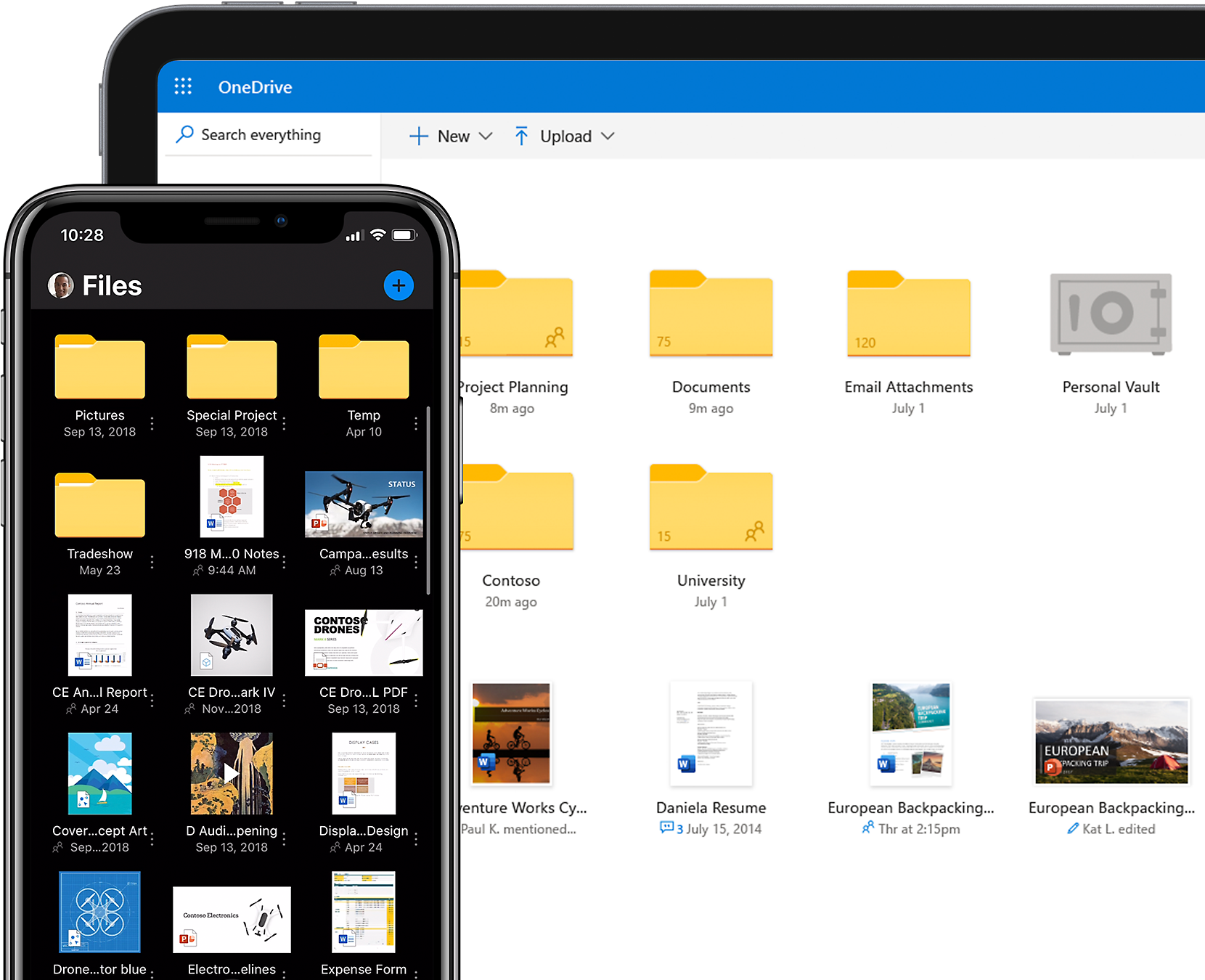
With 1 TB of OneDrive cloud storage, your files are ready when and where you need them, so you can pick up where you left off.
Follow Microsoft 365